Zone asset count
Zone asset count triggers when the number of assets in a location crosses a threshold: too many, too few, or outside a range.
How it works
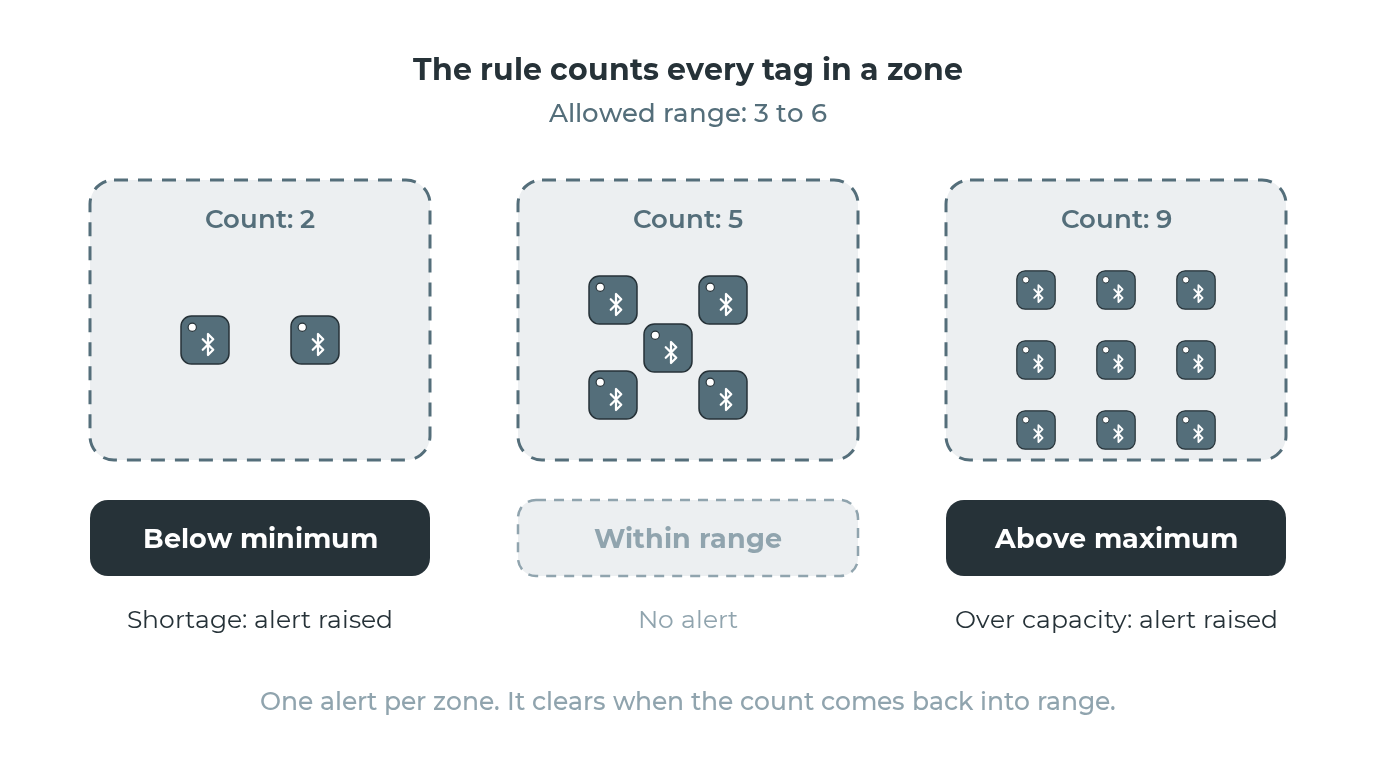
This is a location-level rule, not a tag-level rule. It counts all tags in a zone and generates one alert per zone when the count violates the condition. Phones and handhelds running the Blecon Agent, anchors and archived tags are not counted. The alert clears when the count returns to the acceptable range.
Parameters
| Parameter | Type | Required | Default | Description |
|---|---|---|---|---|
location_id |
string | Conditional | — | Zone to monitor. Use this or zone_tags. |
zone_tags |
array | Conditional | — | Match zones with any of these tags. Each tagged zone is evaluated independently. |
exclude_zone_ids |
array | No | — | Zone IDs to exclude when using zone_tags |
condition |
string | Yes | — | "below", "above", or "outside_range" |
threshold |
int or object | Yes | — | Single number for below/above, or {"min": X, "max": Y} for outside_range |
asset_filter |
object | No | All assets | Filter which assets to count |
check_interval_seconds |
integer | No | 300 | Cooldown between alerts (default: 5 minutes) |
Conditions
- Below: Count is less than the threshold. Use for shortage detection (e.g., "ER needs at least 5 wheelchairs").
- Above: Count is greater than the threshold. Use for overcrowding detection (e.g., "loading bay is over capacity").
- Outside range: Count is below
minor abovemax. Use for capacity range monitoring.
Example: PAR level shortage
Alert when the emergency department has fewer than 3 wheelchairs:
- Location:
zone_emergency_dept - Condition: Below
- Threshold: 3
- Severity: High
Example: tag-based monitoring
Alert when any parking zone has zero assets:
- Zone tags:
["parking"] - Condition: Below
- Threshold: 1
- Severity: Medium