Smart Labels evaluation kit quickstart
Get your BLE Smart Labels kit up and running and start tracking labels in under 5 minutes.
What's in your kit
Your kit includes:
- 10 BLE Smart Labels — battery-powered Bluetooth labels to attach to the assets you want to track
- Blecon Agent — software that turns your mobile devices into a label scanning network
- Blecon Track — the label tracking platform where you view and manage your labels
Before continuing, read the setup instructions included in your evaluation kit. They contain a link to create your Blecon Track workspace and walk you through signing in. Once you're in your workspace, continue below.
Step 1: Install Blecon Agent
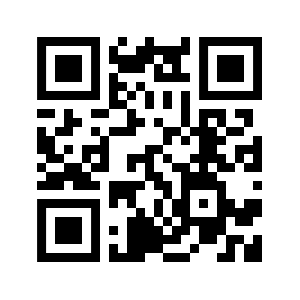
Blecon Agent turns your Android or iOS devices into hotspots that scan for nearby labels. Search for Blecon in the Apple App Store or Google Play Store to install it, or scan the QR code to download it directly.
Once installed, Blecon Agent runs in the background without user intervention — no manual scanning required.


Step 2: Register a label
Inside your workspace:
- Click the Scan Asset button.
- If you're on a computer, scan the on-screen QR code with your phone's camera to open the label reader on your phone.
- Scan the label's QR code to register it.
- Peel the label off its backing to activate it.
Your label should appear on the live map within about a minute of activation.