Plan hotspot placement for a warehouse
Determine how many hotspots you need and where to place them for effective asset tracking in a warehouse environment.
Prerequisites
- A floor plan or measurements of your warehouse
- An understanding of which areas need tracking coverage
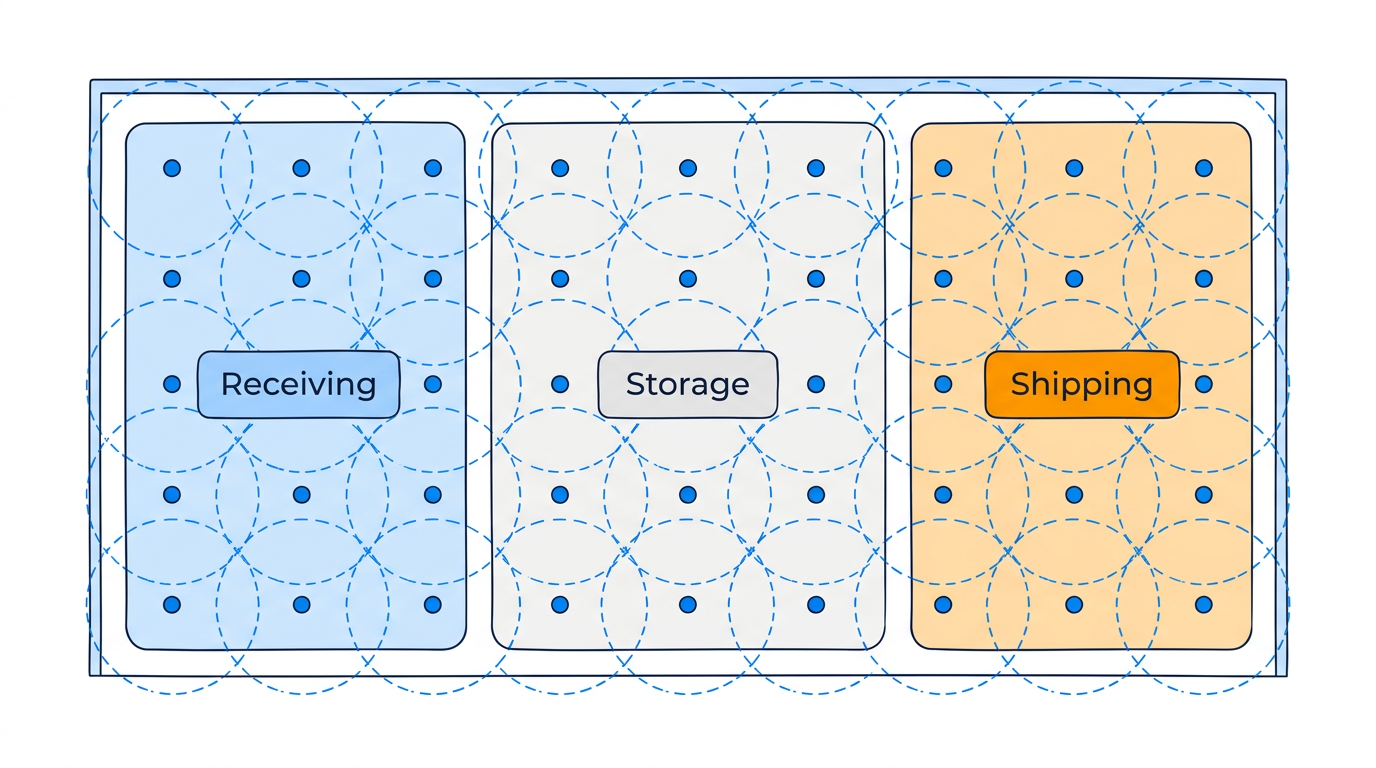
Step 1: Identify coverage areas
Map out the areas where you need to track devices:
- Receiving docks
- Storage aisles
- Picking zones
- Shipping docks
- Outdoor yard areas
Step 2: Choose your accuracy level
| Accuracy target | Hotspot spacing | When to use |
|---|---|---|
| 2–5 meters | 10–15 meters apart | Precise aisle-level tracking |
| 5–10 meters | 15–30 meters apart | General area tracking |
| Room/area level | 1 per area | Zone presence only |
Step 3: Plan hotspot locations
- Ceiling mount hotspots for even coverage.
- Space them according to your accuracy target.
- Avoid placing directly behind metal racking or above water pipes.
- Cover entry/exit points to detect zone transitions.
- For multi-level facilities, deploy hotspots on each level.
Step 4: Plan zone assignments
Assign zone IDs to hotspots for each logical area:
zone_receiving— Receiving dock hotspotszone_storage_a,zone_storage_b— Storage area hotspotszone_shipping— Shipping dock hotspots
Step 5: Plan power and connectivity
Each fixed hotspot needs:
- Power — PoE or AC adapter.
- Network — Ethernet, WiFi, or cellular connectivity to the cloud.
Estimating hotspot count
For a typical 5,000 m² warehouse with 10-meter spacing:
- Coverage area: 5,000 m²
- Area per hotspot: ~100 m² (10m × 10m grid)
- Estimated hotspots: ~50
Adjust up for high-accuracy areas or down for zone-only areas.