Geofence containment
Geofence containment triggers when a device is outside all of its allowed locations during specified hours.
How it works
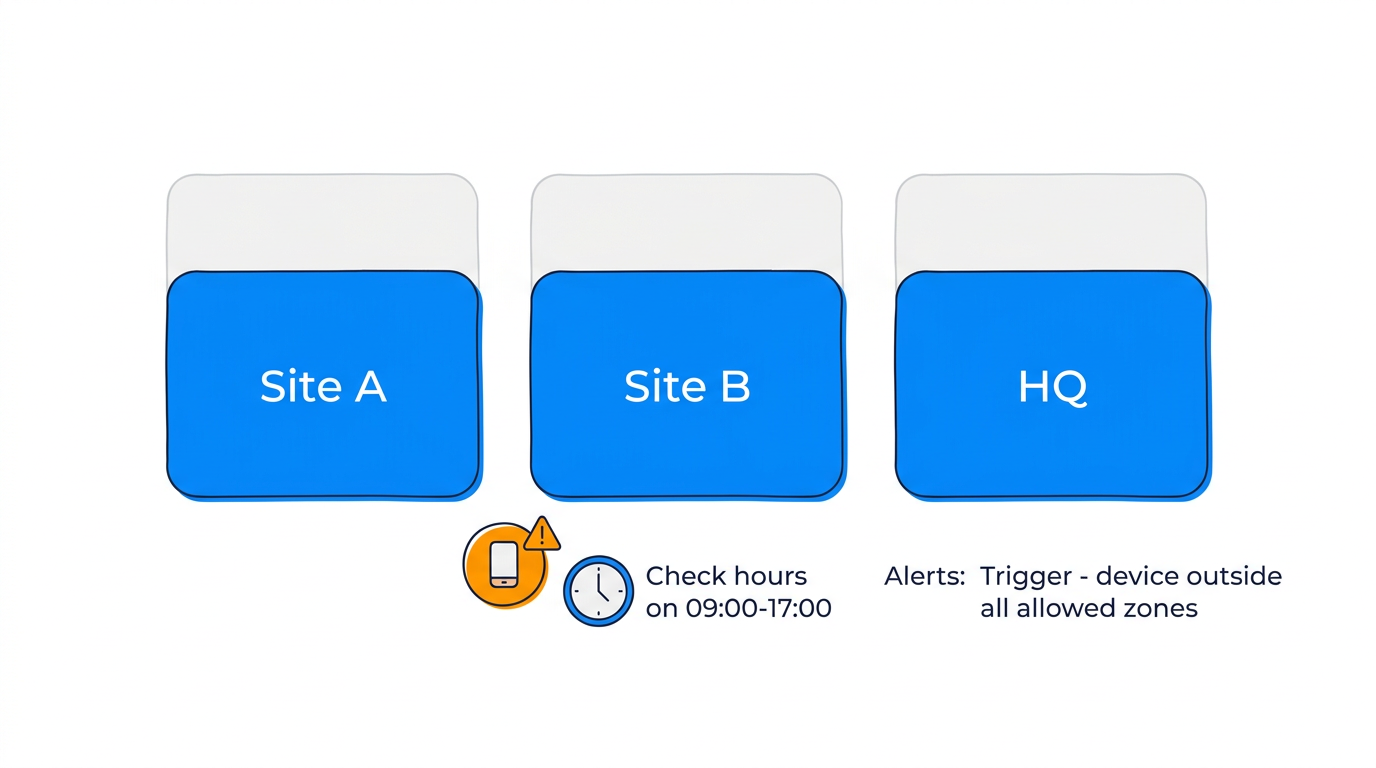
You define a list of allowed locations and an optional time window. If a device is not inside any of the allowed locations during that window, the rule triggers.
This is different from a geofence exit rule — containment checks whether the device is in any of a set of locations, not just one.
Parameters
| Parameter | Type | Required | Default | Description |
|---|---|---|---|---|
location_ids |
array | Yes | — | List of allowed zone IDs |
check_hours |
string | No | All hours | Time window to enforce (e.g., "09:00-17:00") |
check_days |
array | No | All days | Days of week to enforce (e.g., ["monday", "friday"]) |
timezone |
string | No | UTC | Timezone for time window |
Example: work hours containment
Ensure company vehicles stay within approved sites during business hours:
- Allowed locations:
zone_site_a,zone_site_b,zone_headquarters - Check hours: 09:00–17:00
- Check days: Monday through Friday
- Timezone: Europe/London
The rule only triggers during working hours. Outside those hours, devices can be anywhere.